Your connection, kept to yourself.
Lumryn brings a protected connection and simple network tools to your iPhone. What passes through a protected connection is never examined or stored.
One app for a quieter connection
Turn protection on when you need it, check the network you're on, and keep your activity out of anyone's logs, including ours.
Protected connection
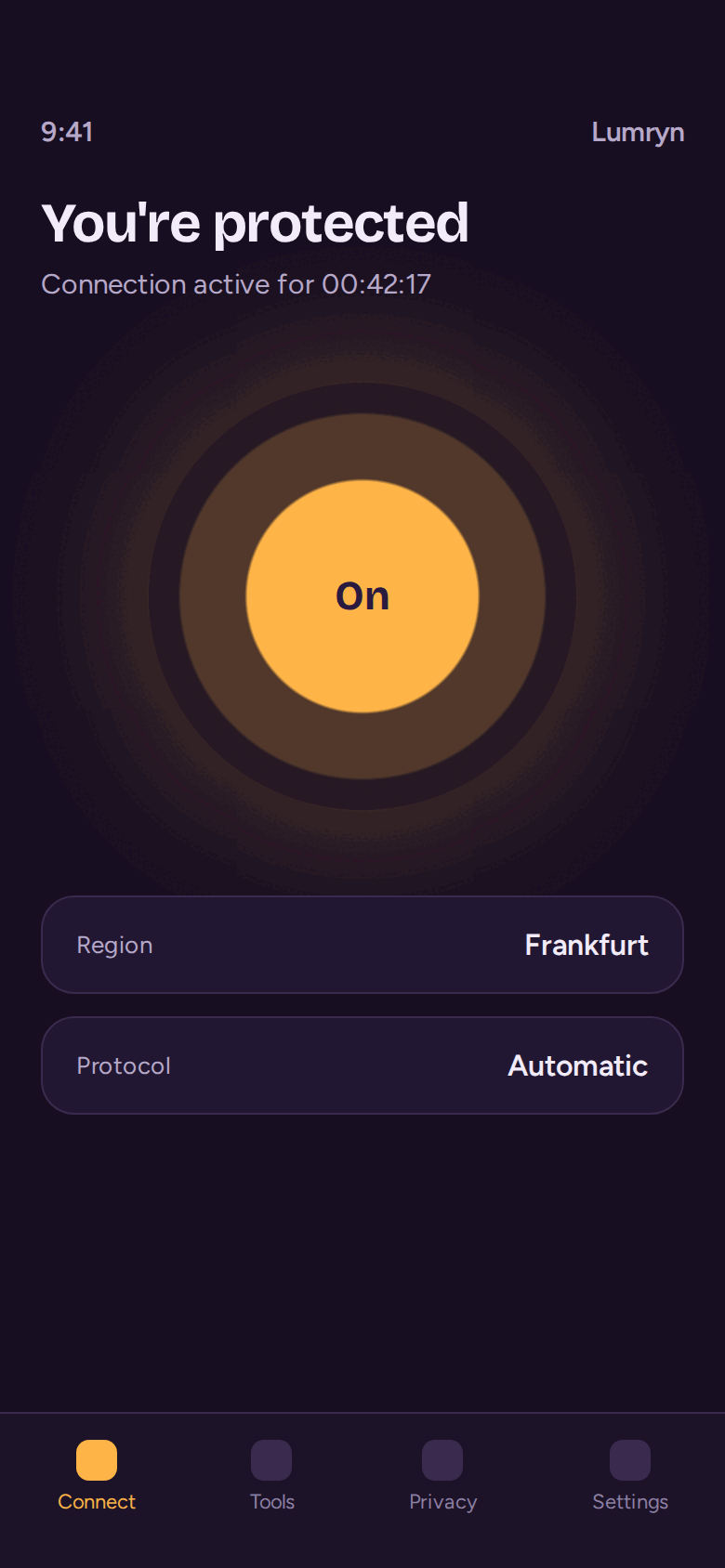
Switch on protection with one tap. The content of your communications, searches, and the sites you open is not examined or retained.
Network tools
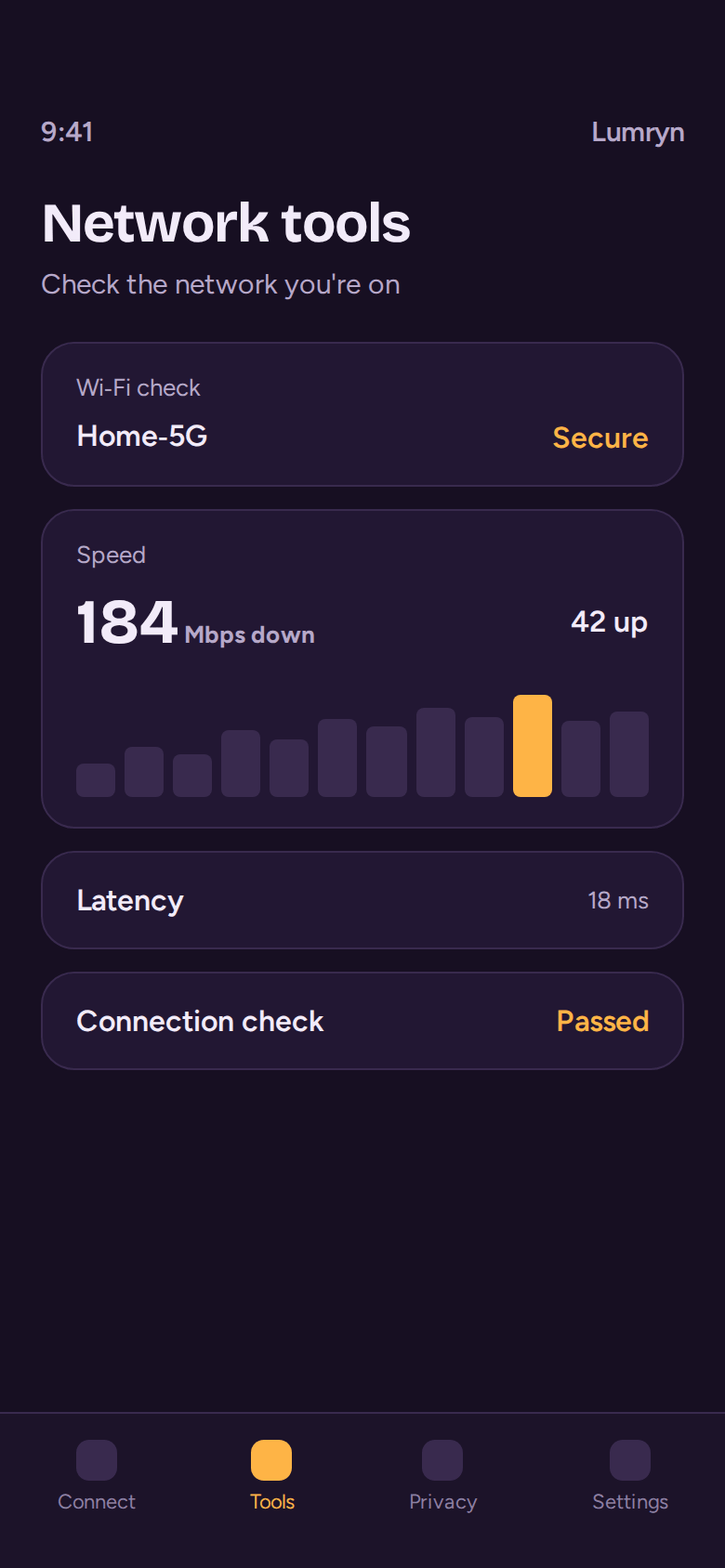
Check the Wi‑Fi you've joined, see how your connection is performing, and spot problems before they get in your way.
No ad trackers
Lumryn has no third-party advertising SDKs and nothing designed to follow you across other apps or websites.
Billing through Apple
Optional paid access is charged to your Apple ID. Manage or cancel it any time in your Apple ID settings.
See it on your iPhone
What we keep, and what we don't
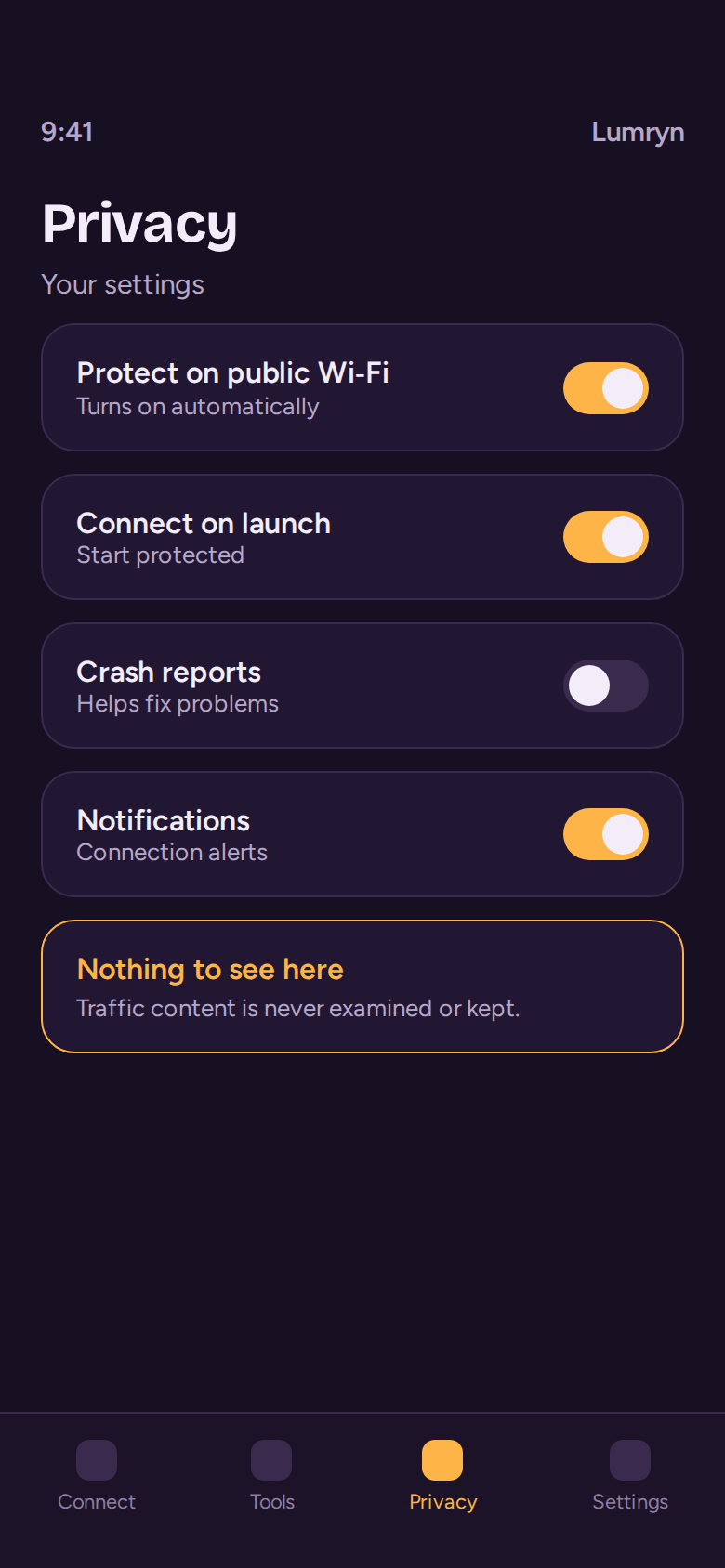
Lumryn processes a small amount of information to run the app. Everything else stays with you.
Never examined or kept
- The content of your communications and files sent through a protected connection
- Your searches and the websites you visit through it
- Complete payment card or bank account details
- Anything sold to third parties
Processed to run the app
- Subscription status supplied by Apple
- Device type, iOS and app version, language, approximate region
- Performance events and crash reports
- Messages you send to our support team
Details, service providers, and your choices are in the Privacy Policy.
Questions
Does Lumryn see what I browse?
No. When you use a protected connection feature, Lumryn does not examine or retain the content of the data passing through it. That includes your communications, files, searches, and the websites you visit.
What information does Lumryn process?
Only what the app needs to work: subscription status from Apple, basic technical details such as device type, iOS and app version, language, approximate region, and crash reports. If you contact support, we use your message to help you. The full list is in the Privacy Policy.
Does Lumryn sell my data or show ads?
Lumryn does not sell personal information and does not use third-party advertising SDKs or cross-app tracking.
How do I cancel my subscription?
Subscriptions are managed through your Apple ID. On your iPhone, open Settings, tap your name, then Subscriptions, choose Lumryn and tap Cancel Subscription.
A subscription renews automatically unless you cancel at least 24 hours before the current billing period ends.
Can I get a refund?
Payments go through Apple, so Apple decides on refunds under its App Store policies. You can request one at reportaproblem.apple.com.
Who can use Lumryn?
You need to meet the minimum age and eligibility rules in your location and under Apple App Store rules. Lumryn is not intended for children under 13.
How do I ask for my data to be deleted?
Depending on the law that applies to you, you can ask to access, correct, delete, or restrict processing of your personal information. Email apps@apelsinforsearch.com with your request.

Get Lumryn for iPhone
Download it free from the App Store and turn on protection in a few seconds.
Download on the App Store